Playbook
€6.99
- The ebook (PDF + DOCX)
- 32 message templates in 4 tones
- Checklists, worksheet and 30-day plan
 GetPaid
For freelancers and independent professionals
A practical playbook and a simple tracker that tell you which invoices need attention today, and help you write a polite, specific follow-up in under a minute. It works with whatever you already use to send invoices.
Your messages are never sent automatically. You read every one and send it yourself.

71%
of US freelancers in a 2015 Freelancers Union survey (5,358 respondents) said they'd had trouble collecting payment at some point. Source
9 days
the average delay past the due date on US small-business invoices in January–March 2026, according to Xero Small Business Insights. Source
One system
to replace the sticky notes, spreadsheet tabs and "did I already chase them?" moments: a clear stage for every invoice and the right words for each one.
Add the invoices you've already sent from Word, a spreadsheet, QuickBooks, Stripe or anything else: client, amount, currency and due date. GetPaid doesn't create or send invoices.
Overdue status is worked out automatically. Partial payments update the balance. The dashboard lists today's follow-ups, and the calendar shows what's due, overdue and received.
Choose the client, the invoice, the situation (from "due soon" to "30 days overdue") and a tone: Friendly, Professional, Firm or Formal. Edit the draft, copy it, send it from your own email and mark it as sent.
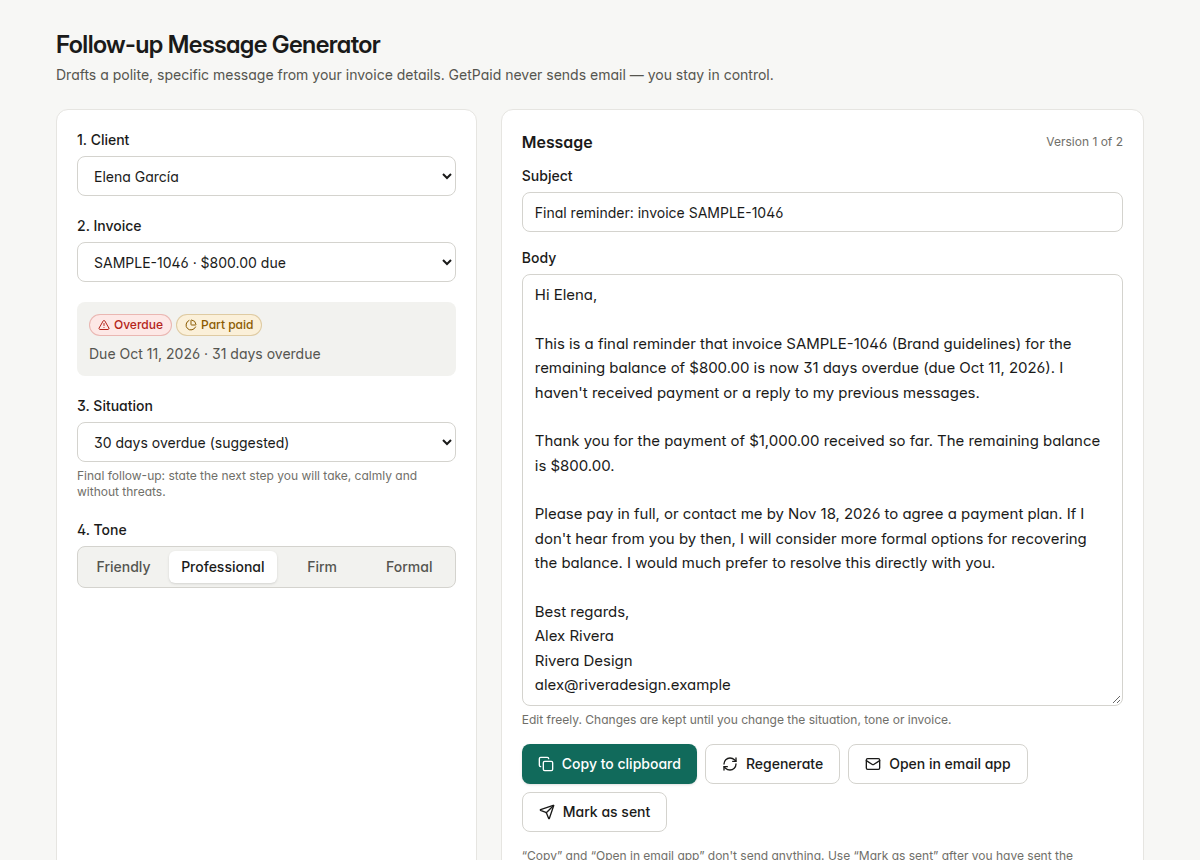
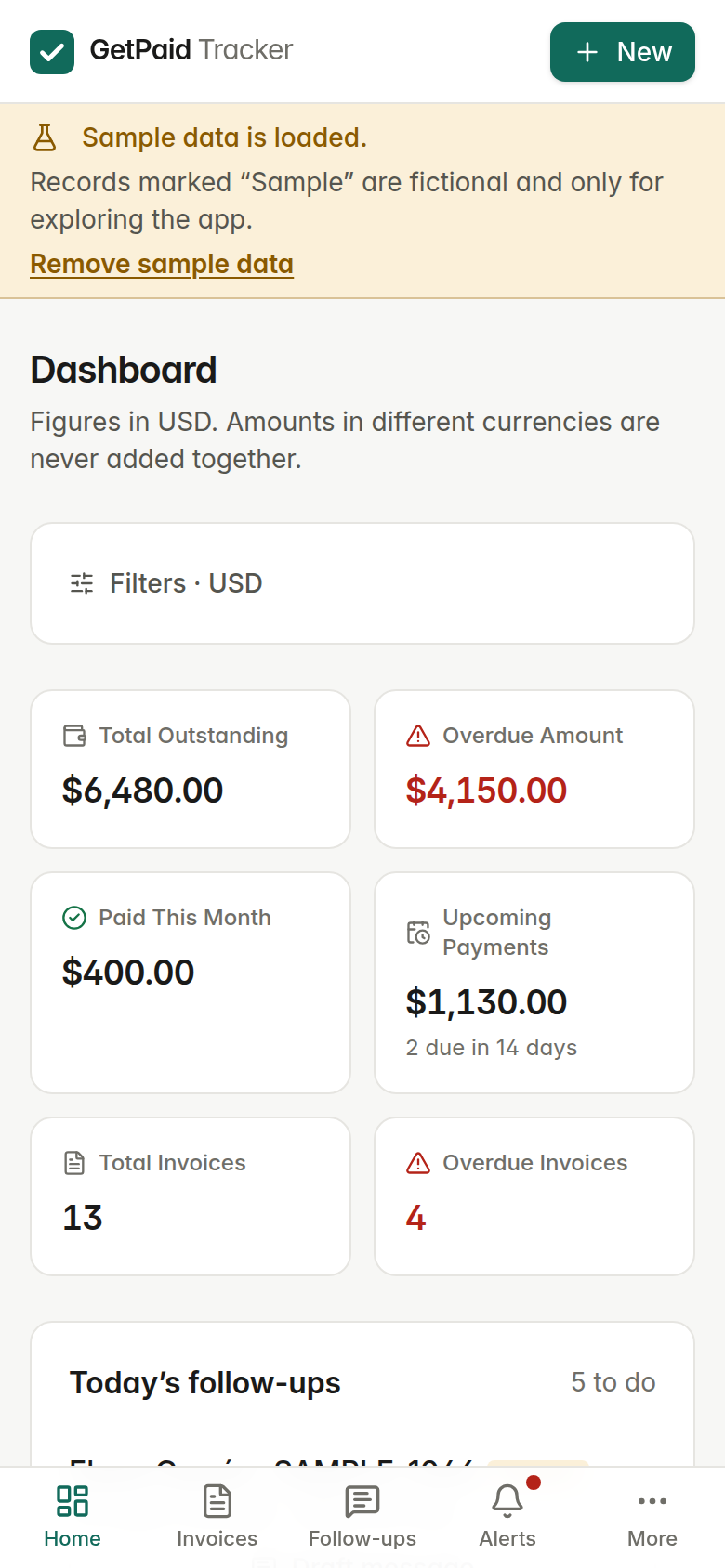
Total outstanding, overdue, paid this month and due in the next 14 days, filtered by client, status, currency and date. Currencies are never added together.
Full and partial payments, an exact balance, and a payment history. Payments larger than the balance are blocked.
Invoice history, totals per currency and each client's average days late, so you can adjust terms for slow payers.
Before due, due today, then 3, 7, 14 and 30 days overdue by default. Change the days to fit your clients.
Due soon, due today, overdue, partially paid and follow-up suggested, all inside the app with nothing sent anywhere.
Stored in your browser by default, with one-click backup and restore. USD, EUR, GBP, CAD and AUD, plus light and dark mode.
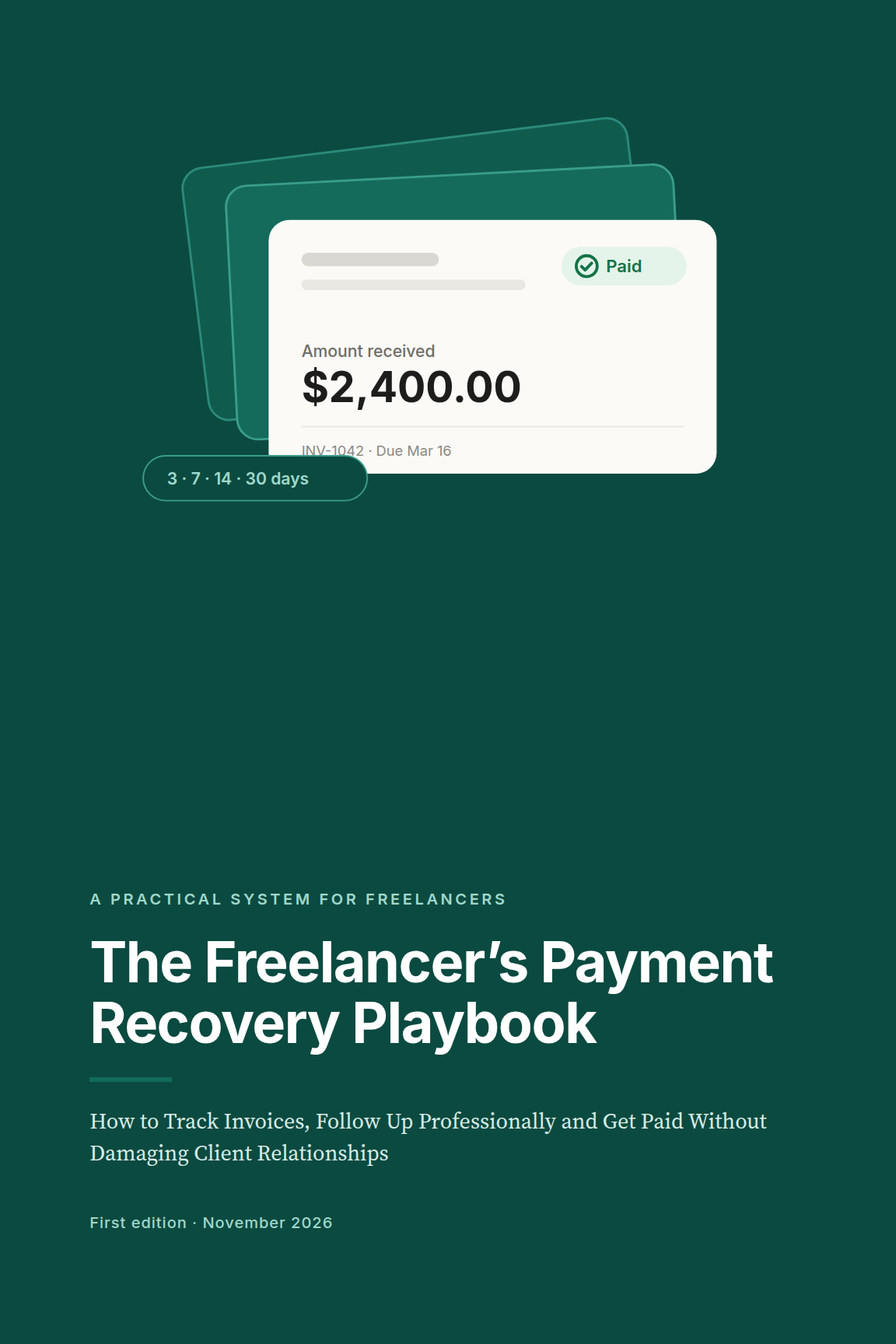
How to track invoices, follow up professionally and get paid without damaging client relationships.
PDF and editable Word (DOCX). Educational information only, not legal advice.
Keep using what you use. GetPaid starts after the invoice is sent.
It never emails your clients. You stay in control of every word.
The playbook explains your options. Laws differ by country and change.
One-time price. No subscription.
€6.99
Most complete for one device
€12.99
€17.99
Prices include VAT/sales tax where the checkout platform applies it.
Any. You enter the invoices you've sent: number, client, amount, currency and dates. There's no integration to set up, and nothing to connect.
No. It drafts the message. You copy it, or open it in your own email app, and send it yourself. Then you mark it as sent, so your history stays accurate.
With Playbook + Tracker, your data is stored only in your browser on your device. Nothing is uploaded, so export a backup regularly. Premium adds an account that stores your data on our servers and syncs it across devices.
US, Canadian and Australian dollars, euros and pounds. Each invoice keeps its own currency, and totals are shown per currency.
No tool can promise that. What the playbook and tracker do is make sure no invoice is forgotten, and that every follow-up is timely, specific and professional, which is what most late invoices need.
It was checked against official sources in November 2026, and every figure is dated. Laws and rates change, so always check the current rules where you work.